01 / ORGANIZE
Your studio. Your Workspace.
Keep each company’s Projects, reusable catalog and Suppliers together. Switch Workspaces when your work changes, with team and guest access defined for each Project.
For interior design & design-build teams
One place for spaces, FF&E, materials, specifications, procurement and project delivery.
Native on iPhone and iPad. Coming soon on the App Store.
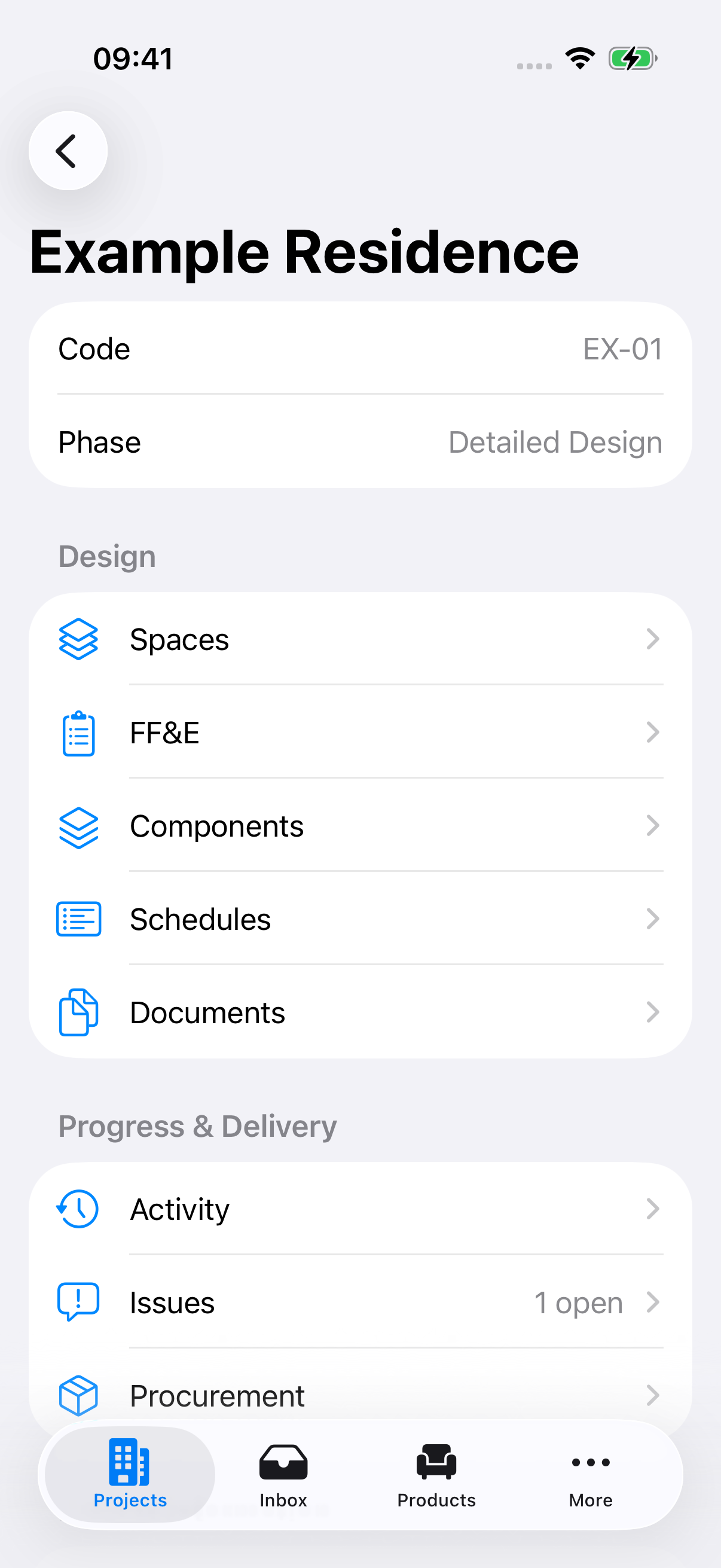
From the first specification to the last delivery
Arccora connects the information your team uses every day, so the design, the order and the work on site stay in context.
01 / ORGANIZE
Keep each company’s Projects, reusable catalog and Suppliers together. Switch Workspaces when your work changes, with team and guest access defined for each Project.
02 / SPECIFY
Build reusable Products and Variants, then add them to a Space with a Project quantity. Specifications and Components stay connected to the selected Variant.
03 / COORDINATE
Browse the Arccora Catalog and add selected items to your Workspace as independent copies. Your Project always uses your Workspace’s catalog.
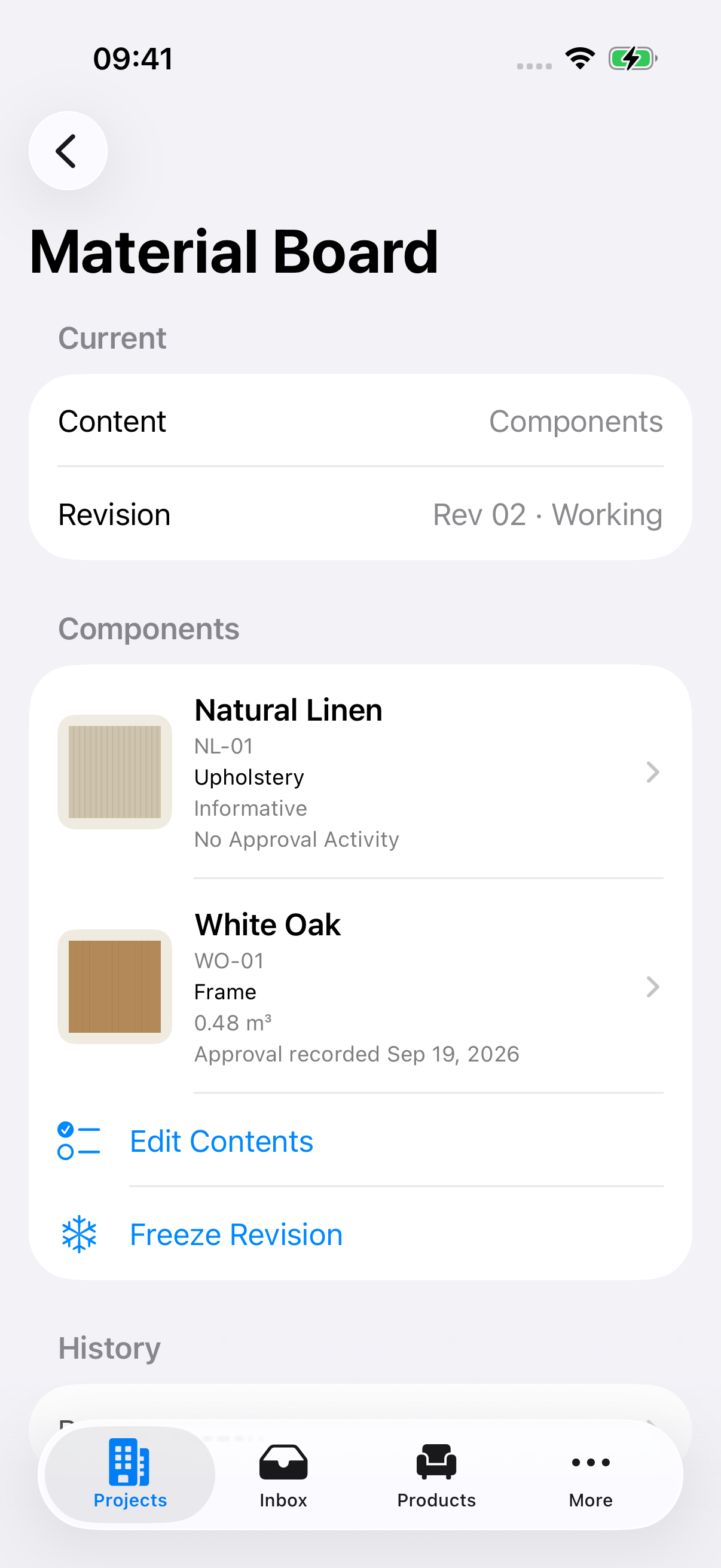
Materials & specifications
Bring Components, finishes and materials into visual boards. Follow usage, approvals and open Issues without losing the Product behind the detail.
Procurement & project delivery
Prepare Supplier Purchase Lists, review Quotations and keep offers connected to Project requirements.
Distinguish Working Purchase Orders from Issued revisions. Record the Supplier’s Order Confirmation against the exact revision.
Keep items together in Packing Lists, record Shipping Events, and follow site progress through Activities, Issues and Milestones.
AI, with a review step
Import links, files and images into Inbox. Review extracted information before it becomes accepted product or Project knowledge. Connect Arccora to ChatGPT for authorized, read-only questions about your work.
Public reusable product facts may contribute to the Arccora Catalog after review. Private Project, commercial and personal content is excluded.
Collaboration, with boundaries
Workspace roles govern the shared catalog. Project roles govern Project work. Guests see their assigned Projects, and commercial information requires commercial access.
How Arccora protects access →Arccora
Explore the workflows, from your first Workspace to a delivered Project.
Explore Arccora HelpComing soon on the App Store.